

'%3E%3Cpath d='M0,0 v30 h60 v-30 z' fill='%23012169'/%3E%3Cpath d='M0,0 L60,30 M60,0 L0,30' stroke='%23fff' stroke-width='6'/%3E%3Cpath d='M0,0 L60,30 M60,0 L0,30' clip-path='url(%23t)' stroke='%23C8102E' stroke-width='4'/%3E%3Cpath d='M30,0 v30 M0,15 h60' stroke='%23fff' stroke-width='10'/%3E%3Cpath d='M30,0 v30 M0,15 h60' stroke='%23C8102E' stroke-width='6'/%3E%3C/g%3E%3C/svg%3E)
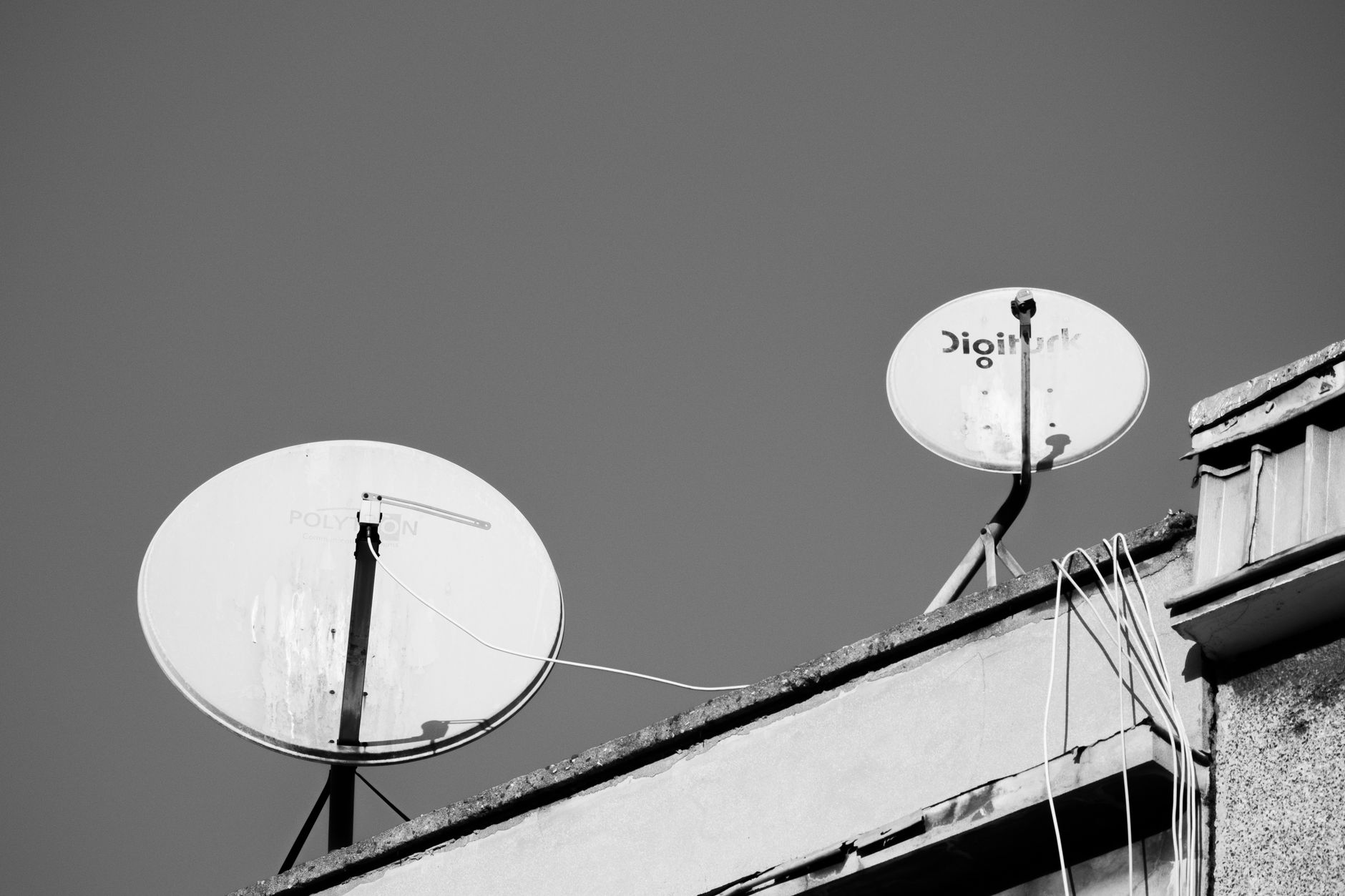
What are satellites and transponders?
Satellites and transponders play a key role in the card sharing system, providing the transmission of television signals. Understanding how they work will help you configure CCcam and OScam more effectively.
Definition of satellites
Satellites are artificial objects that orbit the Earth and are designed to transmit data, including television signals. They provide coverage over large areas, allowing signals to be transmitted to remote locations.
Definition of transponders
Transponders are devices on board the satellite that receive, amplify, and retransmit signals to Earth. Each transponder operates on a specific frequency and can transmit multiple channels simultaneously.
How they work
The operation of satellites and transponders is based on the principles of radio communication. A satellite receives a signal from a ground station, processes it, and sends it back to Earth through transponders. It is important to consider frequencies, polarization, and other parameters to ensure quality reception.
How to choose a satellite for CCcam and OScam?
Choosing a satellite is an important step that affects signal quality and channel availability. Pay attention to the satellite's characteristics, such as frequency and coverage.
Criteria for choosing a satellite
- Transmission frequency: Choose satellites that operate on frequencies supported by your equipment.
- Coverage: Make sure the satellite provides the necessary coverage for your area.
- Signal strength: The higher the signal strength, the better the image quality.
Popular satellites
There are many satellites that support CCcam and OScam systems. Popular options include satellites that provide access to various TV channels, such as NTV-Plus, Telekarta, and others.
Technical specifications
When choosing a satellite, pay attention to its technical specifications. It is important to consider parameters such as polarization (horizontal or vertical), frequency range (Ku or C), as well as available transponders.
Setting up transponders for CCcam and OScam
Setting up transponders is a key step for the successful operation of your card sharing system. You will need accurate commands and paths to configuration files for their setup.
Configuration of transponders
To configure transponders, you need to make changes to the configuration files of your card sharing server. For example, for CCcam, you will edit the file /etc/CCcam.cfg, and for OScam — /etc/oscam/oscam.server.
Typical commands and file paths
When setting up transponders, it is important to use the correct commands. For example, to add a new transponder in CCcam, you can use the following structure:
TПОКАЗАТЬ IP_АДРЕС:ПОРТ
For OScam, the commands may differ, and you will need to specify the corresponding parameters, such as login and password for accessing the receiver.
Port settings
Port settings also matter. For CCcam, the standard port is 444, while for newcamd, ports can range from 2001 to 2054. Make sure you have correctly specified the ports in the configuration.
Troubleshooting setup issues
Despite careful setup, problems may arise. Knowing common errors and how to troubleshoot them will help you quickly resolve issues.
Common errors
Some errors may manifest as a lack of signal or unstable operation. For example, incorrect port settings may lead to a "disconnected" message. It is also worth checking the antenna connection and transponder parameters.
Diagnostic methods
To diagnose signal issues, use tools such as satellite receivers with testing functions or specialized applications. They will help you determine the strength and quality of the signal, as well as any errors in the configuration.
Solutions for problems
If you encounter issues, start by checking the configuration files. Ensure that all parameters are correctly specified and test the connection to the server. Sometimes simply rebooting the equipment or reconfiguring helps.
Additional aspects of satellite and transponder setup
When working with CCcam and OScam systems, it is important to consider a number of additional factors that may affect signal quality and stability. Let's look at a few such aspects.
Setup in poor signal conditions
When installing equipment in poor signal conditions, it is necessary to use high-quality antennas and converters. Sometimes it is worth considering installing the antenna at a higher location or in a different place to minimize the impact of obstacles. Using high-gain antennas will help improve signal quality.
When setting up in poor signal conditions, it is also important to carefully monitor polarization and frequency. If the signal remains weak, you can use signal amplifiers to help improve reception quality.
Compatibility with outdated equipment models
If your equipment is outdated, there may be compatibility issues with modern satellites and transponders. Many old receivers may not support new frequencies or encoding standards. In this case, it is worth checking the documentation for your equipment and possibly considering upgrading or replacing it.
Additionally, some providers may offer solutions for older models, allowing them to connect to new systems. It is always helpful to consult the manufacturer or the user community for information on compatibility.
Using non-standard transponders
Sometimes users may encounter the need to work with non-standard transponders. This may be due to some satellites using unique parameters for signal transmission. In such cases, it is important to study the documentation for the specific transponder to correctly configure it in the CCcam or OScam configuration files.
When using non-standard transponders, it is also important to pay attention to their stability. Sometimes non-standard settings can lead to errors or unstable operation, so it is important to test them under various conditions.
Recommendations for improving signal quality
There are several methods that can help improve signal quality and the stability of the card sharing system. Let's look at some of them.
Regular software updates
Regularly updating the software of your receiver and CCcam or OScam servers ensures their stable operation and access to new features. Check for updates and install them to avoid potential compatibility and security issues.
Monitoring signal quality
Use tools to monitor signal quality to track its changes over time. This helps identify problems at an early stage and take measures to resolve them. Many modern receivers have built-in monitoring functions that can provide such information.
Feedback and support
Don't forget about the feedback options with your service provider. If you experience issues with connection or signal quality, contacting technical support can help quickly identify the causes and find solutions. It is also helpful to communicate with other users through forums or communities to share experiences and get advice.
By following these recommendations and considering all aspects of satellite and transponder setup, you can significantly improve the performance of CCcam and OScam systems. Always strive to learn and seek new approaches to configuration to keep your system up to date.
How to check the satellite's operability?
To check the satellite's operability, you can use a satellite receiver with a scanning function. There are also many smartphone applications available that help check signal strength and channel availability.
What to do if the transponder is not working?
If the transponder is not working, check the settings such as frequency and polarization. Ensure that the antenna is correctly aimed at the satellite and that there are no obstacles interfering with the signal.
How to update the CCcam or OScam configuration?
Updating the CCcam or OScam configuration involves editing the relevant configuration files on the server. After making changes, do not forget to restart the service to apply the new settings.
What parameters are important for setup?
Key parameters for setup include frequency, polarization, port, and login for accessing the receiver. It is also important to correctly specify the server and connection parameters.
How to choose the best transponder?
When choosing a transponder, pay attention to signal stability and image quality. It is also important to consider the available channels and their resolution.
Practical checklist for smooth viewing
Even the best CCCam or OSCam line needs two or three simple preparations. Update your receiver firmware, reset the ECM cache once a week and keep 15–20% free space on the USB stick or internal flash so that the reader can store keys without delays.
When tuning a dish, aim for MER/BER reserve: a two‑degree offset or a loose F‑connector often causes the “freezing” that users blame on cardsharing. Keep a short patch cord to test alternative routers, and save two profiles in OSCam — one for TCP, one for UDP — so you can switch instantly if your ISP starts filtering a protocol.
Utgard.tv monitors each hub 24/7, but you can speed up diagnostics by keeping a short log of your receiver actions. Note the time when you changed the channel, which CAID was active and whether you used Wi‑Fi or Ethernet. This tiny “journal” helps engineers reproduce your environment in the lab and return with a solution in minutes instead of hours.
- Keep two line slots enabled: if the first server hits a maintenance window, the second one instantly takes over without re-entering credentials.
- Run a monthly speed and latency test. Stable 1–2 Mbps with ping <80 ms is enough for SD/HD, but if jitter exceeds 20 ms, switch the router to wired mode.
- Save the Utgard.tv status page and Telegram bot @utgard_sharing_bot to bookmarks — they publish maintenance notices before SEMrush or uptime monitors raise alerts.