

'%3E%3Cpath d='M0,0 v30 h60 v-30 z' fill='%23012169'/%3E%3Cpath d='M0,0 L60,30 M60,0 L0,30' stroke='%23fff' stroke-width='6'/%3E%3Cpath d='M0,0 L60,30 M60,0 L0,30' clip-path='url(%23t)' stroke='%23C8102E' stroke-width='4'/%3E%3Cpath d='M30,0 v30 M0,15 h60' stroke='%23fff' stroke-width='10'/%3E%3Cpath d='M30,0 v30 M0,15 h60' stroke='%23C8102E' stroke-width='6'/%3E%3C/g%3E%3C/svg%3E)

4K cardsharing technology provides the opportunity to enjoy legal, inexpensive viewing of TV channels and high-quality movie content in HD format.
Cardsharing 4k
A stable Internet and an appropriate tuner are key factors that guarantee the stability and reliability of the satellite sharing service. And if many providers can provide uninterrupted access to the World Wide Web, then to the question of which 4K satellite receivers for sharing are best to choose, a quick and, most importantly, correct answer is not so easy to find.
Which 4k satellite receiver is better to choose for sharing?
In the sales segment of such equipment, there are their own reputable brands, although there are not many of them and the leaders here are different than in other sectors of the global electronics market. But in order to choose a 4k satellite receiver for cardsharing that is worth the money, you should not only be guided by the names of the manufacturers, but also pay attention to the following characteristics of the purchased receiver:
- the presence of a card reader (slot for installing a satellite operator card), which allows you to increase the number of available channels;
- the method of connecting the set-top box to the TV is via a standard HDMI port or you need to use other connectors (relevant for older models of TV receivers);
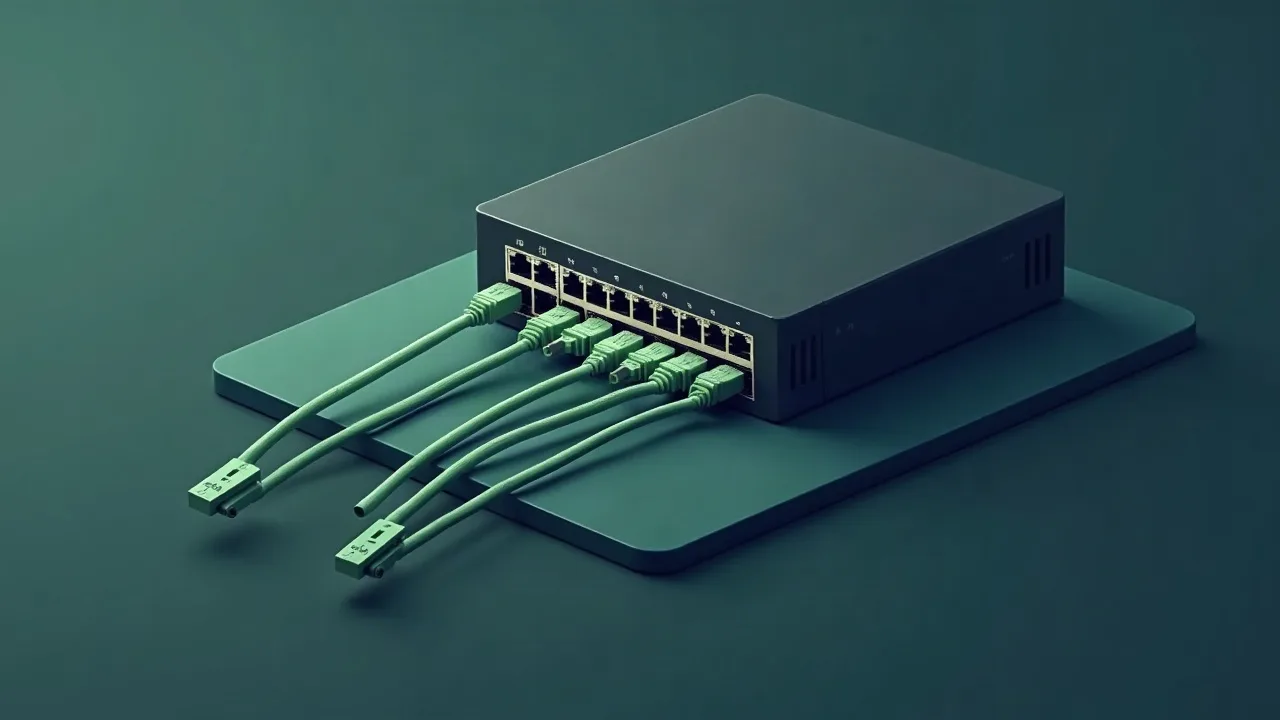
- the possibility of wired network access via an Ethernet port, providing truly 4K sharing compared to Wi-Fi;
- the presence of a Linux or Android operating system, which makes it possible to download channel lists, applications, games;
- A particularly important parameter for those who want to fully use 4k cardsharing is processor power.
- display of additional information - settings, numbers, channel name - on a digital screen;
- method of controlling the set-top box (using a remote control, buttons on the panel of the tuner itself), the optimal option is considered to be one that uses both methods);
- TimeShift is a function that allows you to pause a television program for a while and continue watching later.
The 4k cardsharing satellite receiver allows television lovers to receive information services at the highest level. Such equipment will provide a clear TV picture with deep colors, excellent detail, will seriously reduce the cost of satellite TV, and will provide access even to those channels that are usually blocked (prohibited from viewing).
Practical checklist for smooth viewing
Even the best CCCam or OSCam line needs two or three simple preparations. Update your receiver firmware, reset the ECM cache once a week and keep 15–20% free space on the USB stick or internal flash so that the reader can store keys without delays.
When tuning a dish, aim for MER/BER reserve: a two‑degree offset or a loose F‑connector often causes the “freezing” that users blame on cardsharing. Keep a short patch cord to test alternative routers, and save two profiles in OSCam — one for TCP, one for UDP — so you can switch instantly if your ISP starts filtering a protocol.
Utgard.tv monitors each hub 24/7, but you can speed up diagnostics by keeping a short log of your receiver actions. Note the time when you changed the channel, which CAID was active and whether you used Wi‑Fi or Ethernet. This tiny “journal” helps engineers reproduce your environment in the lab and return with a solution in minutes instead of hours.
- Keep two line slots enabled: if the first server hits a maintenance window, the second one instantly takes over without re-entering credentials.
- Run a monthly speed and latency test. Stable 1–2 Mbps with ping <80 ms is enough for SD/HD, but if jitter exceeds 20 ms, switch the router to wired mode.
- Save the Utgard.tv status page and Telegram bot @utgard_sharing_bot to bookmarks — they publish maintenance notices before SEMrush or uptime monitors raise alerts.